AI agents (MCP)
Let your agent run the routine work
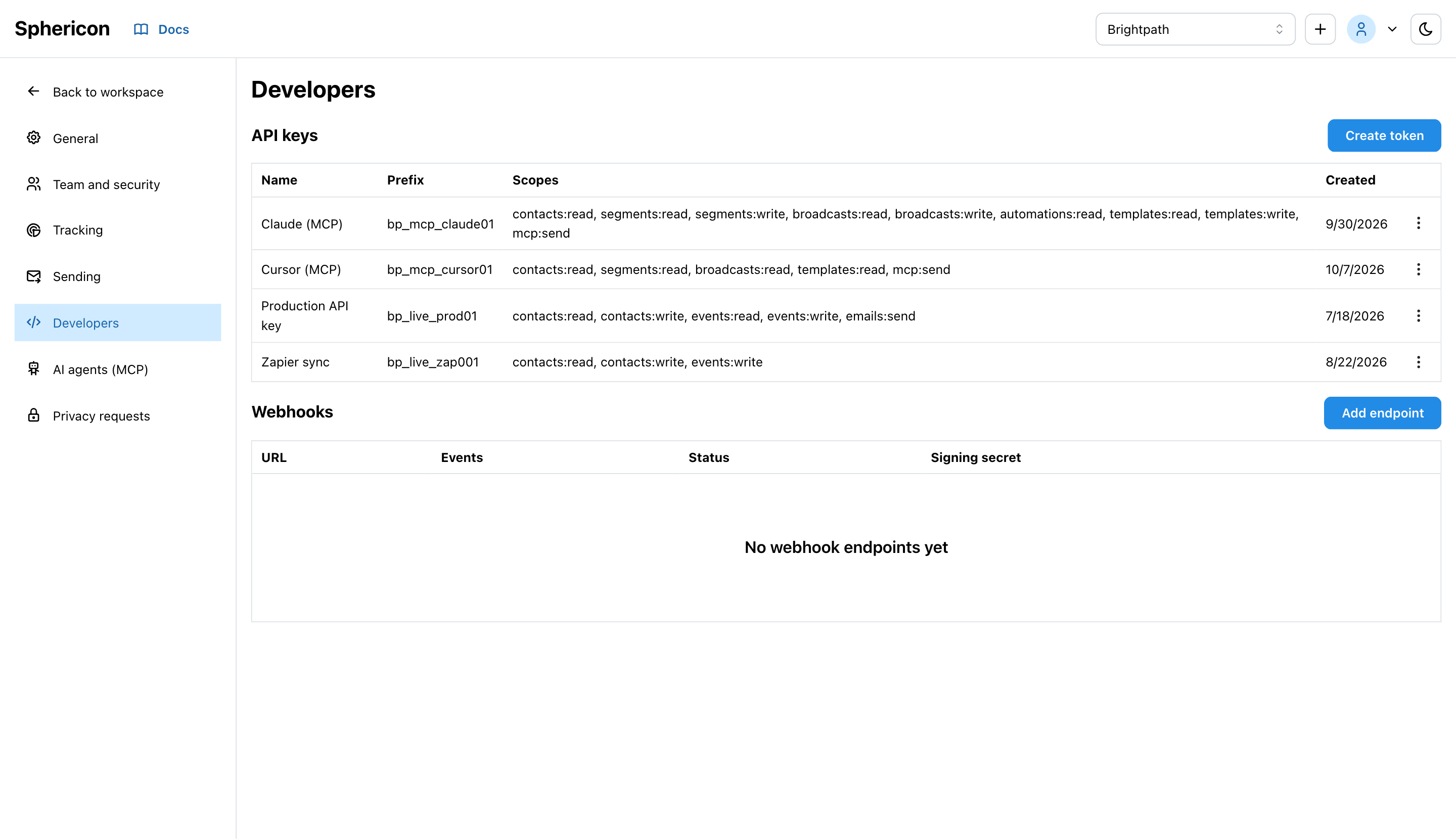
Every API operation is an MCP tool. Claude or any MCP client can build segments, draft broadcasts and author automations. A human sends.
> Draft a win-back broadcast for contacts who went quiet.
segments_preview → broadcasts_create → email_lint
Draft saved. Review and send it in the app.
In the app
Always up to date
Tools are projected from the API contract, not written by hand, so an agent never lags behind the product.
Drafts by default
Sending needs its own scope plus mcp:send. Without it, those tools are not even listed.
Consent only narrows
An agent can suppress an address or record an unsubscribe. Lifting a suppression is not possible over the API or MCP.
Contact text is data
Names, fields and event properties come back marked as untrusted, and the model is told never to treat them as instructions.
How it works
- 1
Connect
Claude Code or any MCP client with a token, or a claude.ai connector over OAuth 2.1.
- 2
Ask
Or start from a playbook: welcome, win-back, list hygiene or setting up a sending domain.
- 3
Review and send
The agent drafts. You decide what goes out.
Connect your agent
Create a workspace on Sphericon Cloud, or run it yourself.
More of the product