Broadcasts
Write once. Send to exactly the right people.
Pick a segment, write the message, test it, then send now or schedule it. Read the report when it is done, with the revenue it earned.
Subject {{ first_name }}, still thinking it over?
Audience almost customers
draft → scheduled → sending → sent
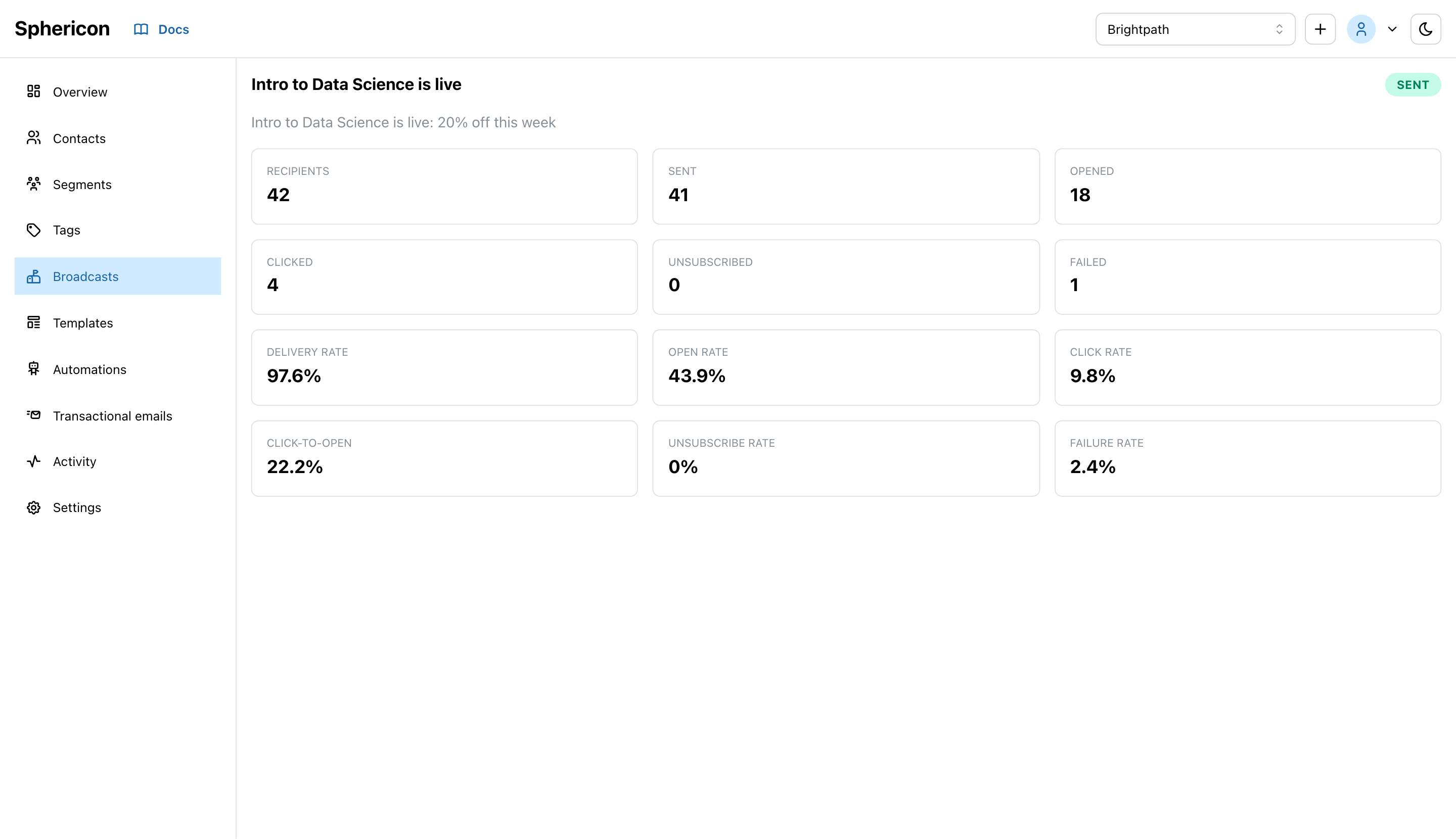
Report sent · opened · clicked · unsubscribed
In the app
Personal by default
Liquid merge tags and conditionals fill in the contact’s name and any of their custom fields.
See it before they do
Send a test first, or capture it in a Test inbox and read it without mailing anyone. Once your domain is verified, to any address you choose.
Now or later
Send immediately or schedule it, through the integration you pick. Changed your mind? Unschedule it again.
Built to finish
Sending runs on a durable job queue backed by PostgreSQL, so a restart does not lose work.
How it works
- 1
Write it
Name, sender, subject and body, from a template or from scratch.
- 2
Test it
Check the message in a real inbox.
- 3
Send it
Send or schedule, then read the report: sent, opened, clicked and unsubscribed, and the orders credited to the last email a contact clicked.
Send your first broadcast
Create a workspace on Sphericon Cloud, or run it yourself.
More of the product