Automations
Set it up once. Let events do the rest.
An automation starts when a contact does something, then runs your steps in order. Each person goes through it once.
trigger signed_up
↓
email Welcome aboard
wait 2 days
email Getting started
apply_tag onboarded
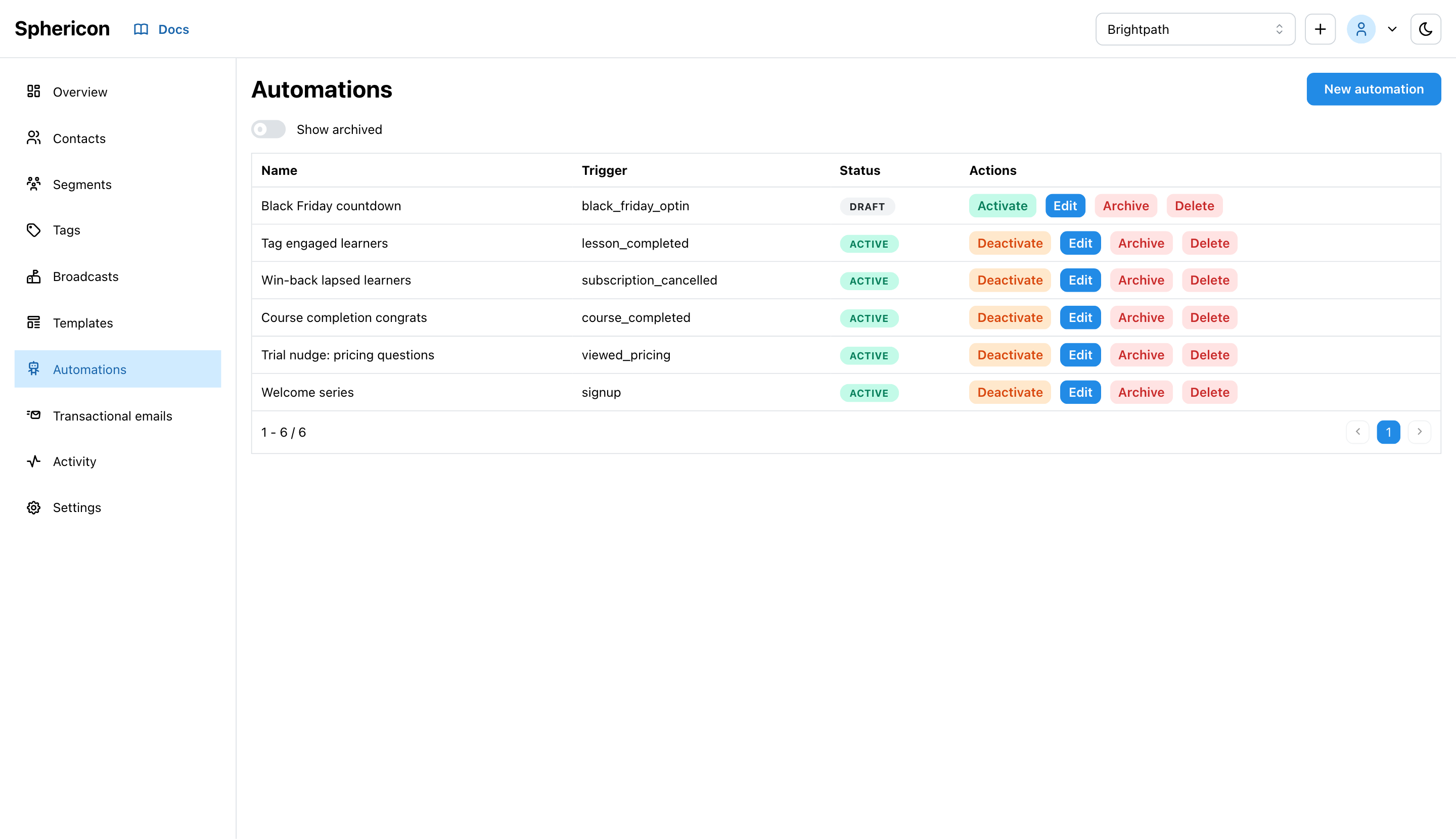
In the app
Triggered by behavior
Start from any event, such as signed_up, the moment it happens, and end it early with an exit or goal event. For a one-line reaction, such as tagging whoever clicked a link, a Rule needs no sequence.
Simple steps that compose
Send an email, wait, add or remove a tag, or call a URL with your own headers and body. Put them in the order you need.
Safe to try
Edits are saved as drafts, and a live automation changes only when you publish. Contacts are enrolled once.
Leaving means leaving
Every automation is its own unsubscribe scope, so opting out of one sequence does not silence the others.
How it works
- 1
Choose the trigger
The event that should start the sequence.
- 2
Add the steps
Emails, waits and tags, in order.
- 3
Publish
Review the draft, then publish it to go live.
Automate your first sequence
Create a workspace on Sphericon Cloud, or run it yourself.
More of the product