Segments
Describe an audience once. It stays right.
Segments are saved rules, evaluated live. No exports, no stale lists, no “who did we send this to last time?”.
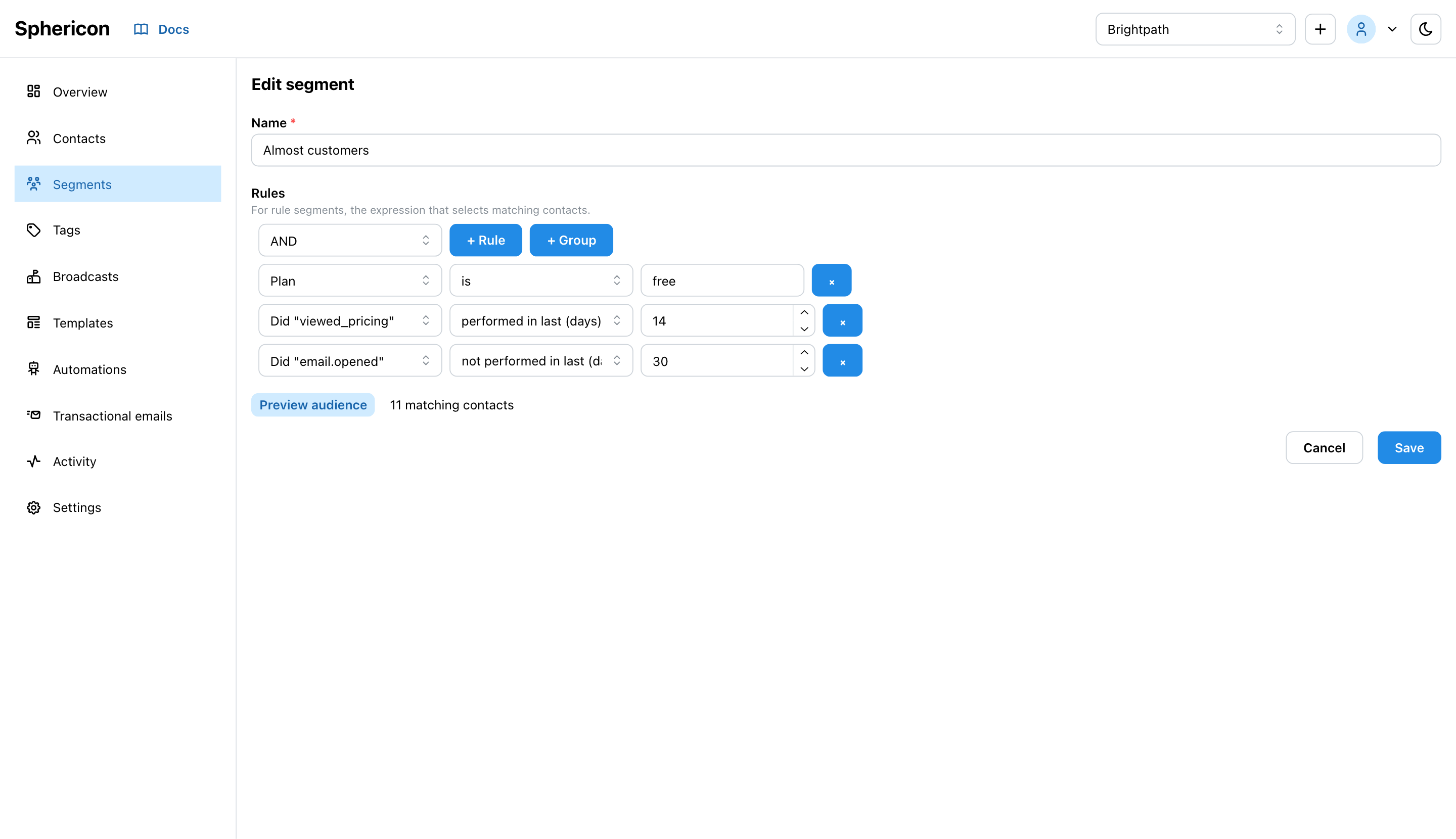
Match all of
plan is free
viewed_pricing did in the last 14 days
email.opened did not in the last 30 days
Preview updates as you edit the rule.
In the app
Rules, not lists
A segment is a query, not a copied list. Membership moves as your data does.
Behavior-aware
Target on what contacts did, or did not do, within the last N days, or on how many times they did it. Even email.opened and email.clicked.
See before you send
A live preview shows how many contacts match while you edit the rule.
Consent already applied
Opt-outs and suppressions always subtract from the result. You cannot target them by accident.
How it works
- 1
Combine conditions
Attributes, custom fields (numbers and dates too), tags and events, with all/any and nested groups.
- 2
Check the preview
Confirm the audience is who you meant.
- 3
Send to it
Use the segment for a broadcast, evaluated the moment sending starts.
Build your first segment
Create a workspace on Sphericon Cloud, or run it yourself.
More of the product